








Google Drive
Grant our service one-time access to the Google Drive folder where your dialer drops call recordings. We pull new files every night, audit them, and add them to the next Monday report.
One-time setupS3, Google Drive, OneDrive, Box, Dropbox, or a direct pull from your dialer. One-time setup, about 20 minutes — then your recordings flow into our processing queue every night.


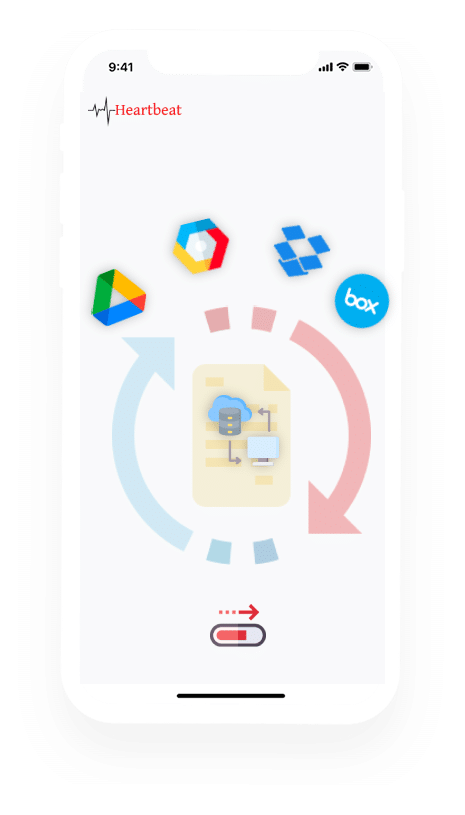
Authorise our service against the call storage you already use. Recordings flow into our processing queue every night, our analysts and AI audit every call across 670+ behaviour tags, and a weekly PDF report lands in your inbox every Monday at 11am IST.
Here's how the connection works for each of the platforms we support.

Authorise once. New recordings flow into our processing queue every night — no manual uploads.
Grant our service one-time access to the Google Drive folder where your dialer drops call recordings. We pull new files every night, audit them, and add them to the next Monday report.
One-time setup
Authorise our service against your Dropbox account. New recordings in the folder you nominate flow into our processing queue automatically — no manual uploads, no agent involvement.
One-time setup
Connect our service to your Box account once. We retrieve new audio files from the folder you nominate, audit every call across 670+ behaviour tags, and roll findings into your weekly report.
One-time setup
Point us at your S3 bucket — usually the same one your dialer or contact-centre platform already writes to. All processing happens in ap-south-1 (Mumbai). Your data stays in India.
One-time setup